Eye Shape Finder Camera Online
Here's what a good eye photo looks like
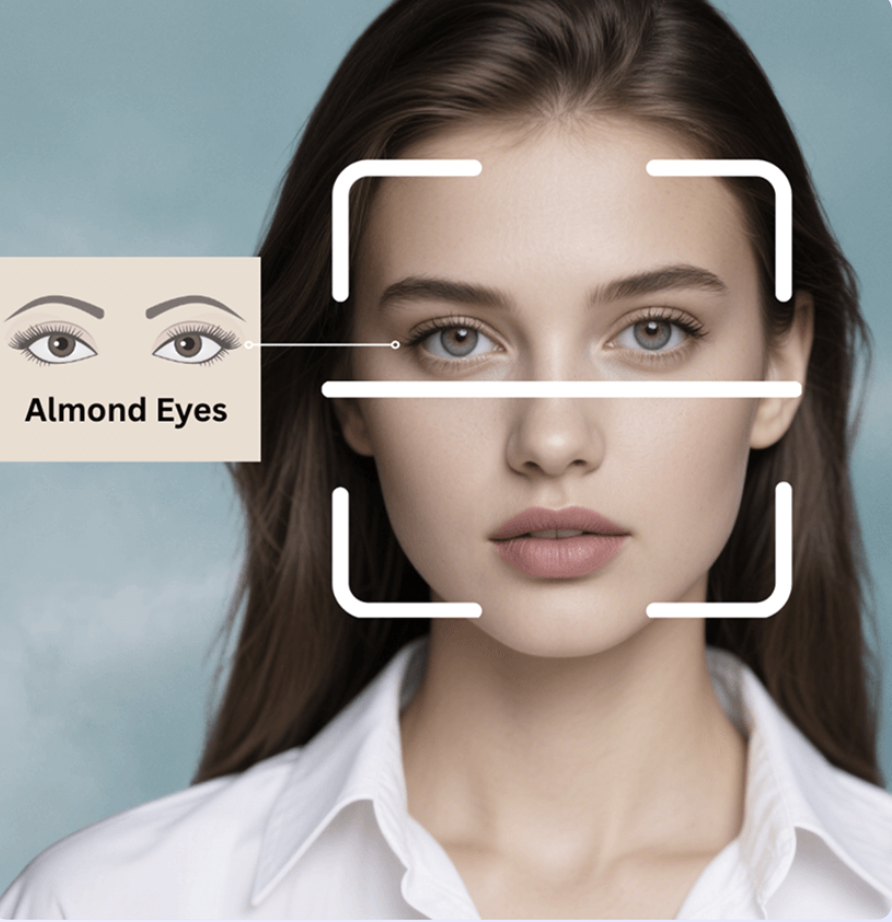
- • Use good lighting (natural light preferred)
- • Keep your eyes open and relaxed
- • Look directly at the camera
- • Avoid heavy makeup or glasses
How to Use Eye Shape Finder Camera Online?
Start Camera
Start the camera by clicking the Start Camera button.
Take Photo
Take a photo by clicking the Take Photo button.
Click Analyze
Analysis the photo with AI to finder your eye shape with AI.
See Analysis Results
See the detailed eye shape analysis results.
FAQ About Eye Shape Finder Camera Online
What is Eye shape detector with camera?
Eye shape detector with camera is a tool that allows you to detect your eye shape using your camera.
How to identify eye shape with camera?
Start the camera by clicking the Start Camera button.Take a photo by clicking the Take Photo button.Click the Analyze button to analyze the photo with AI.See the detailed eye shape analysis results.
Is Eye shape finder camera online free?
Yes, Eye shape finder camera online is free to use.You can use your camera to take a photo and analyze the eye shape with AI for accurate.
What is the accuracy of Eye shape finder camera online?
The accuracy of Eye shape finder camera online is 99%.It uses advanced AI technology to analyze the eye shape and provide the most accurate results.
What types of eye shapes can be detected?
Our AI can detect various eye shapes including almond eyes, round eyes, hooded eyes, upturned eyes, downturned eyes, close-set eyes, wide-set eyes, deep-set eyes, and protruding eyes.
Do I need to create an account to use the camera feature?
No account is required to use the basic camera feature. You can take photos and analyze your eye shape immediately without any registration.
What should I do if the camera doesn't work?
If the camera doesn't work, please check your browser permissions, ensure you're using HTTPS, try refreshing the page, or use a different browser. Make sure your device has a working camera.
Can I upload photos instead of using the camera?
Yes, you can either use your camera to take a new photo or upload an existing photo from your device. Both methods will provide the same accurate eye shape analysis.
What file formats are supported for photo uploads?
We support common image formats including JPG, JPEG, PNG, and WebP. The maximum file size is 10MB for optimal processing.
How long does the analysis take?
The eye shape analysis typically takes just a few seconds. Our advanced AI processes your photo quickly to provide instant results.
Is my photo data secure and private?
Yes, your privacy is our priority. Photos are processed securely and are not stored permanently. We use industry-standard encryption to protect your data.
Can I use this tool on mobile devices?
Yes, our eye shape detector works perfectly on mobile devices, tablets, and desktop computers. The camera feature is optimized for mobile use.
What if the analysis results seem incorrect?
For best results, ensure good lighting, keep your eyes open and relaxed, look directly at the camera, and avoid heavy makeup or glasses. Try taking another photo with these tips in mind.